 Rocket Safari
Instagram Story Stickers: 10+ Ways to Boost Engagement
Stories are where most of the back-and-forth with your audience actually happens. They are low-pressure, they vanish in 24 hours, and they sit right at the top of the app where people look first. The catch is that a plain photo with a text overlay gives nobody a reason to do anything except keep tapping.
Stickers are the reason to stop. Every tap, vote and reply is a small signal to Instagram that people care about your account, and those signals feed your reach. Here is the current line-up worth using, and a concrete way to use each one rather than just sticking it on and hoping.
If you are short on things to post in the first place, our story ideas to entertain your followers will keep the well full.
Quiz sticker
A trivia-style question with a right answer. Viewers tap an option, find out if they got it, and you get a tally.
When to use it: to qualify your audience or test how well they know your niche. A quiz about your subject sorts the casual viewers from the people who actually care, and the results tell you what to make next.
Tactic: write the prompt at the top, keep the options short, and make the “wrong” answers plausible. A quiz nobody gets wrong is just a poll wearing a costume.
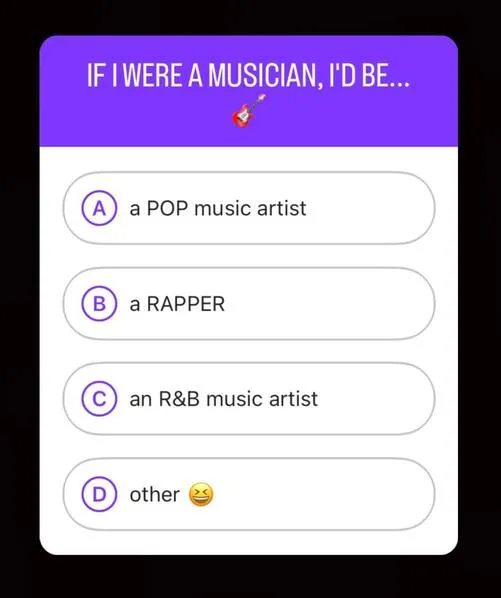
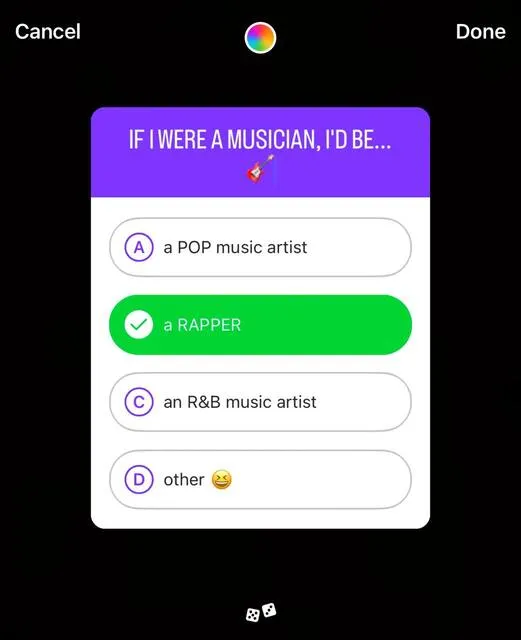
Poll sticker
Two options, one tap. The fastest interaction on the platform.
When to use it: when you want a quick read on what your audience prefers, or feedback on an idea before you commit to it. Basic “yes or no”, or a “this or that” you can settle later in the day.
Tactic: ask things you can act on. “Should I post the long version of this?” gives you a content decision and a vote at the same time.
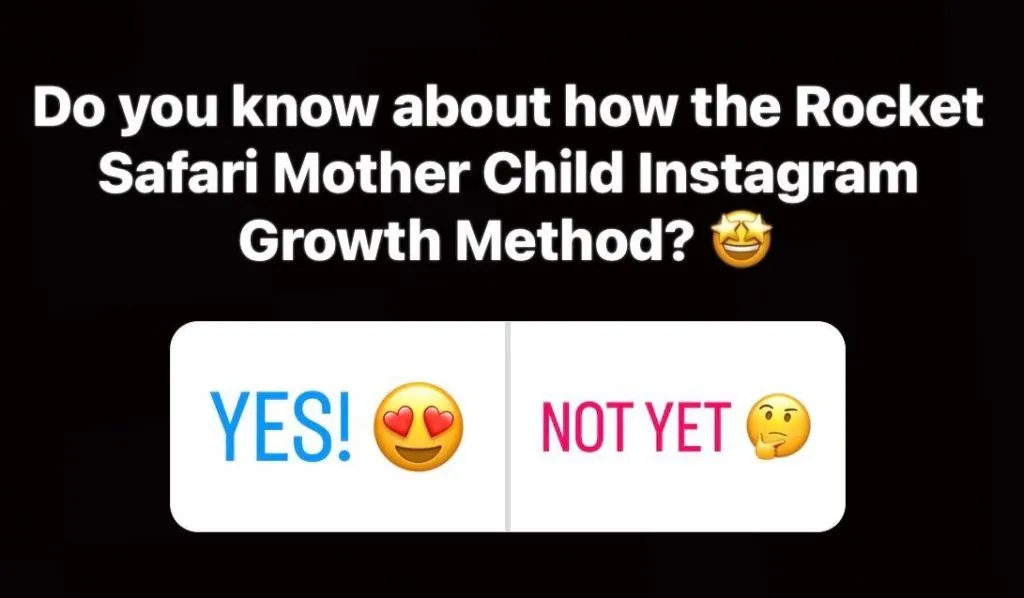
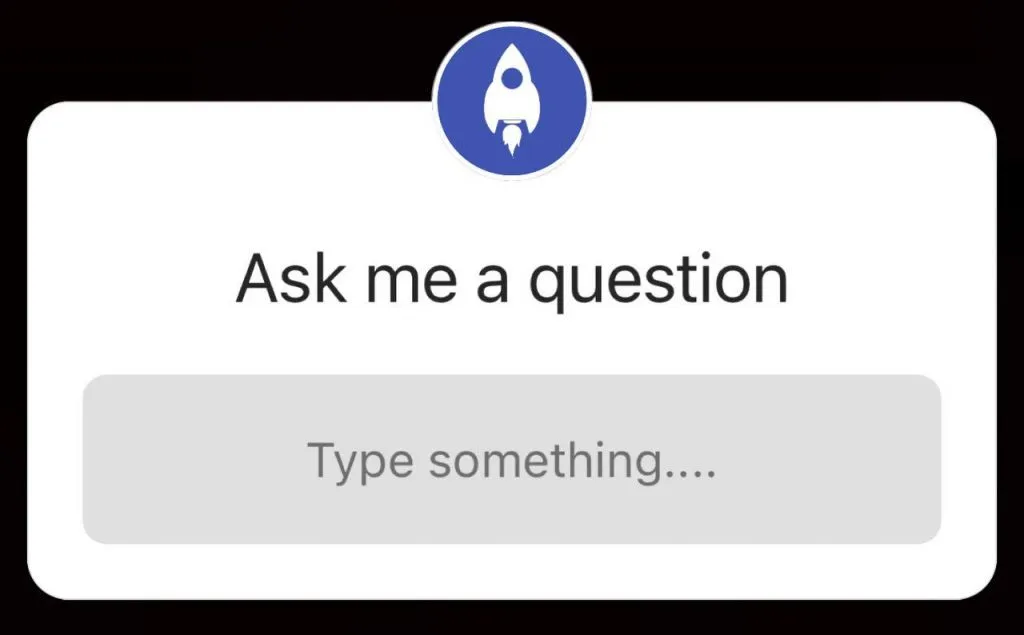
Questions sticker
An open text box where followers type a reply that lands in your DMs (or that you can share back to your Story).
When to use it: to source content directly from your audience. “Ask me anything” days, requests, and gripes all turn into a queue of posts you did not have to think up yourself.
Tactic: screenshot the best answers and reply to them as new Stories. One questions sticker can fuel a week of content and start a pile of real conversations.
Slider and emoji rating sticker
A draggable emoji on a scale. The lowest-friction reaction there is, because there is no right answer and nothing to type.
When to use it: when you want reactions but a poll feels too binary. “How much do you want this?” with the slider dragged to a heart works for launches, teasers and anything you want a temperature check on.
Tactic: ask for a gut reaction, not a decision. People will happily drag a slider when they would scroll past a question.
Add Yours sticker
A public prompt that lets anyone add their own Story to a shared thread. Tap it and you see everyone who has joined in.
When to use it: to start a chain your followers can carry. A good prompt (“show me your desk setup”) gets passed from account to account and puts your sticker in front of people who do not follow you.
Tactic: keep the prompt easy to answer with a photo most people already have on their phone. Friction kills participation.
Music sticker
Adds a track to your Story with a visible title, and sometimes lyrics on screen.
When to use it: to set a mood, time a reveal to a beat, or just stop a silent Story feeling flat. Sound makes a Story feel finished.
Tactic: pair the right beat with a cut or a reveal. Music plus a Reveal sticker is a small, satisfying one-two that earns a tap.
Countdown sticker
A live timer counting down to a date and time. Viewers can tap to get a reminder when it ends.
When to use it: for launches, drops, lives and events. The reminder opt-in means people who tap get pulled back when the timer hits zero, with no work from you.
Tactic: point a Story at the countdown a few times before it ends. Each one is a fresh chance for someone new to set the reminder.
Reveal sticker
Hides your content behind a blur until viewers send you a message to unlock it.
When to use it: for teasers, sneak peeks and anything that benefits from a little mystery. The unlock is a DM, so curiosity turns straight into a conversation.
Tactic: only hide things genuinely worth the tap. Reveal a half-decent photo and you train people not to bother next time.
Link sticker
A tappable link in your Story, the replacement for the old swipe-up that no longer needs a follower threshold.
When to use it: any time you want people off Instagram and onto something, a blog post, a product, a sign-up. This is the closest thing Stories give you to a clickable call to action.
Tactic: tell people what is on the other side and why they should tap. “Link’s in my Story” with no reason attached gets ignored.
Mention sticker
Tags another account in your Story. Viewers tap through to that profile, and the tagged account can reshare your Story to their own audience.
When to use it: to credit a collaborator, tag a brand you are working with, or feature a follower. The reshare is the real prize, since it puts you in front of someone else’s audience with a link straight back to you.
Tactic: tag people who are likely to reshare. A mention that gets reposted is free reach.
GIF sticker
An animated sticker from the built-in library. Unlike the others, it does not ask viewers to do anything.
When to use it: to add movement and personality, or to draw the eye to a particular spot on the Story. Motion stops the thumb even when there is nothing to tap.
Tactic: use it to point, frame or react, not to wallpaper the whole screen. One well-placed GIF beats a Story buried under ten.
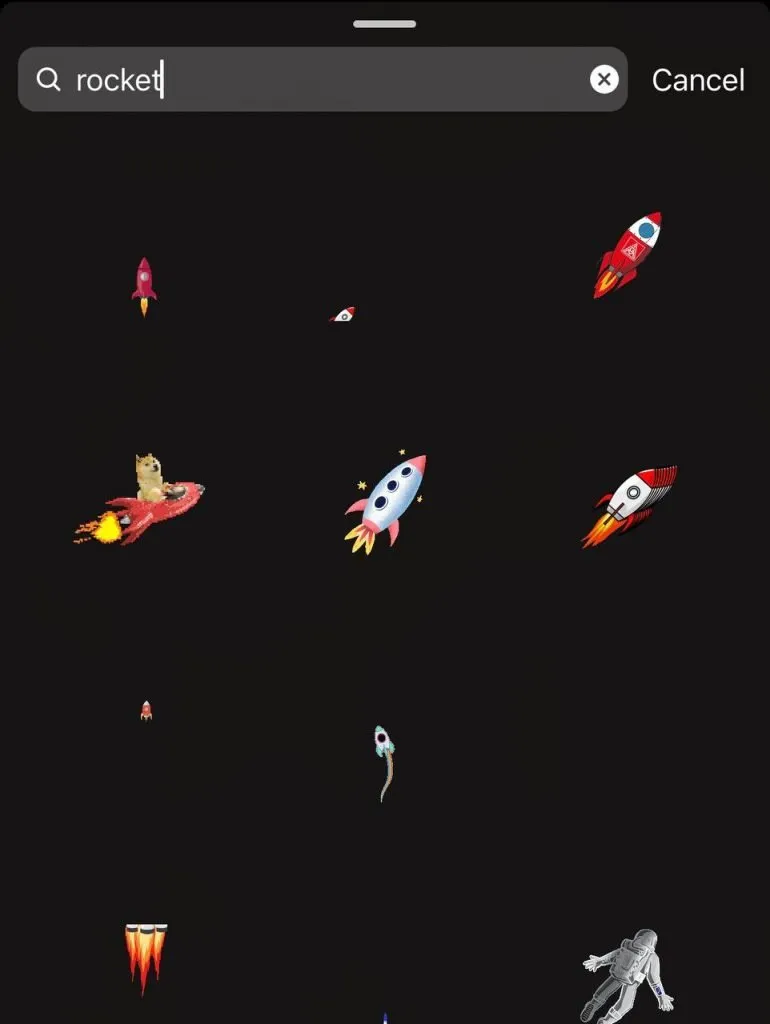
Hashtag and location stickers
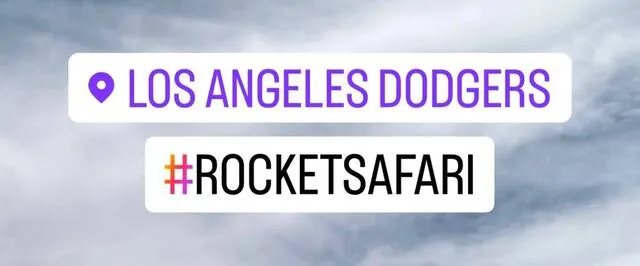
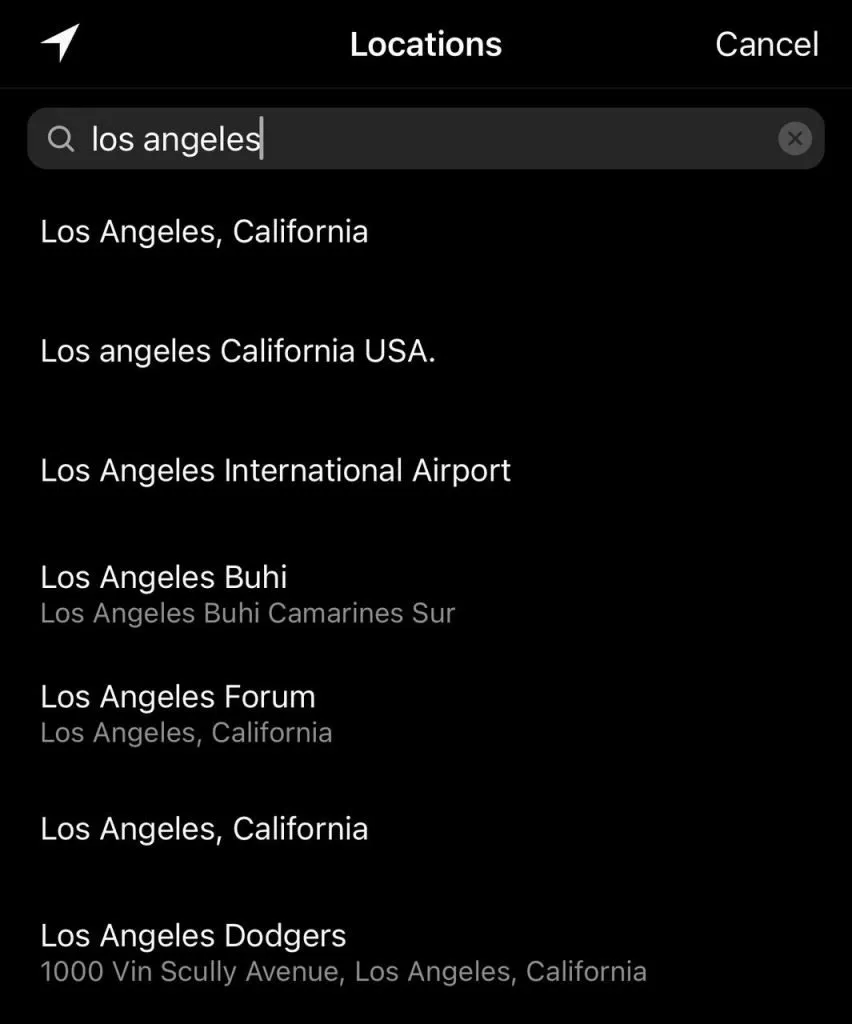
These two get your Story discovered. Both can surface it to people who do not follow you, via hashtag pages and the location’s own feed.
When to use it: when reach matters more than a tidy design. A relevant hashtag or a tagged location is one of the few ways a Story reaches beyond your followers.
Tactic: you can add up to ten hashtags per Story, and you can shrink them or tuck them behind another sticker if they spoil the look. Keep them relevant, since the wrong tags just reach the wrong people.
Putting them to work
You do not need all of these on every Story, and stacking ten of them just makes a mess. Pick the one that matches what you actually want: a vote, a DM, a click, a reminder, a reshare. Then give people a clear reason to tap.
Those taps are not just vanity. Engagement signals are part of what tells Instagram who to show your content to, which is exactly how interactions on your Stories feed back into your reach. Our Explore page guide breaks down how that works, and there is more on the broader picture in improving your Instagram engagement.
Use stickers with intent and a flat photo turns into a two-way conversation. That is the whole point of a Story.