 Rocket Safari
Instagram Analytics: The Metrics That Actually Matter
Follower count is the metric everyone watches and almost nobody should. It is a vanity number: it looks impressive on a profile and tells you next to nothing about whether your content is landing. You can have thousands of followers and a feed that nobody saves, shares, or acts on.
The metrics that actually matter are the ones tied to behaviour, not headcount. They tell you whether people are reaching your content, engaging with it, and trusting you enough to take the next step. Here are the ones worth tracking, where to find them, and what to do when each one dips.
Where to find all of this
Switch to a free professional account (creator or business) and you unlock Instagram Insights, the only place these numbers live. You will find them in the Professional dashboard at the top of your profile, and on individual posts via “View insights”.
One distinction to keep straight before you read anything: reach is the number of unique accounts that saw your content; impressions count every view, including repeat views from the same person. Instagram now also leads with a unified Views metric across posts, Reels and Stories, so do not be surprised when that is the first figure it shows you. Reach is usually the more honest gauge of how far something travelled.
Reach and accounts engaged
These are the two figures Insights pairs at the top for a reason. Accounts reached is how many unique accounts saw your content. Accounts engaged is how many of them did something about it: liked, commented, saved, shared, or tapped through. The gap between the two is the real story. Plenty of reach with very little engagement means your content is being shown but not landing.
Reach also tells you the truth that follower count hides: how many people you are actually getting in front of, rather than how many technically subscribed.
If reach is low, your content probably is not being surfaced beyond your existing followers. Lean harder into formats built for discovery (Reels especially) and check you have not tripped a reach problem you can fix. If reach is fine but accounts engaged is thin, the issue is the content itself, not its distribution.
Saves and shares
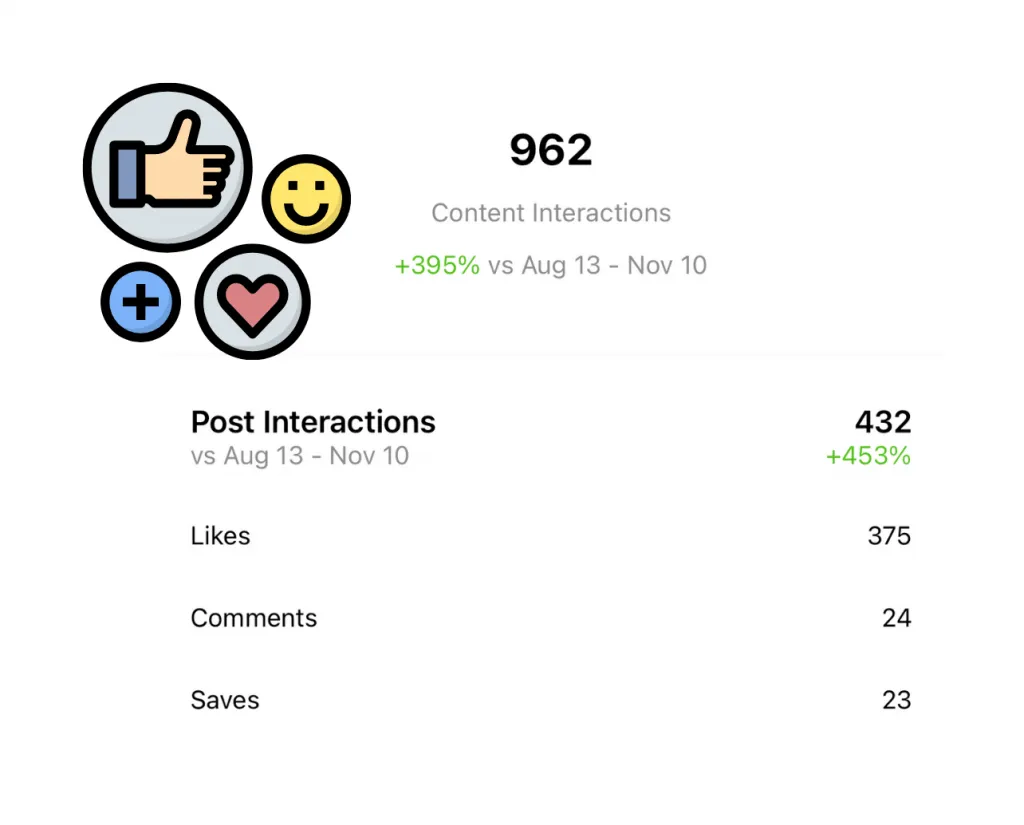
If you only watch two engagement metrics, make them these. Saves and shares are the strongest signals you can send the algorithm, well above likes. A like is a reflex; a save means “I want this again later” and a share means “someone else needs to see this”. Both tell Instagram the content is worth pushing to more people.
You will find saves and shares in the insights on each post. Sort your recent posts by them and a pattern usually appears: a particular format, topic, or hook that people keep bookmarking and sending on.
If saves and shares are low, make your content more useful or more worth passing along. Practical, save-worthy posts (tips, lists, references) earn saves; relatable or surprising posts earn shares. More on lifting both in our guide to improving your Instagram engagement.
Profile visits and follows from a post
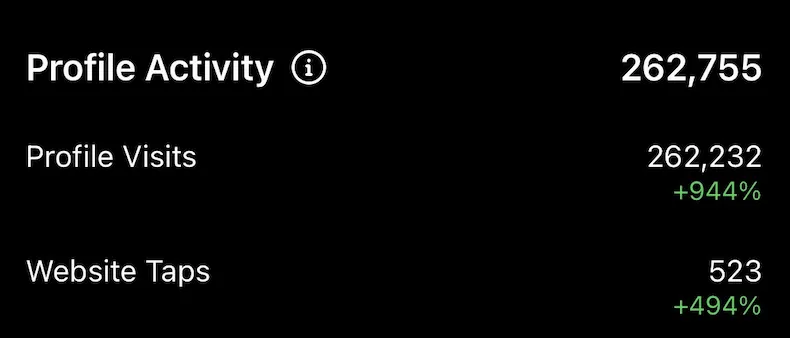
Profile visits are a good signal that a piece of content made someone curious enough to check you out. A strong Reel or a post that travels through shares and the Explore page sends a spike of visitors to your profile.
Insights also shows follows attributed to a single piece of content, which is the cleaner number to watch. Reach gets you seen; a good post plus a tight bio turns that visit into a follow.
If profile visits are healthy but follows are flat, the content is doing its job and your profile is letting it down. Tighten your bio, your name field, and your pinned posts so a first-time visitor instantly gets what you are about.
Reels retention and replays
If you post Reels (and you should, since they are Instagram’s biggest discovery lever), the metric that matters most is retention: how far through the video people watch, and how often they replay it. A Reel that holds attention and loops gets pushed to far more non-followers than one people swipe past at second two.
In a Reel’s insights you can see average watch time and replays. High retention is the green light to make more in that style.
If retention drops off a cliff early, your first second is the problem. Lead with the payoff or the hook, cut the slow intro, and keep the clip tight rather than padding it to fill time.
Website link taps
The number of people tapping the link in your bio (or a link sticker) shows whether your calls to action are working and whether your audience trusts you enough to leave the app.
If link taps are low, the issue is usually the prompt, not the audience. Make the CTA specific, say plainly what is on the other side, and give people a reason to click rather than a vague “link in bio”.
Direct messages
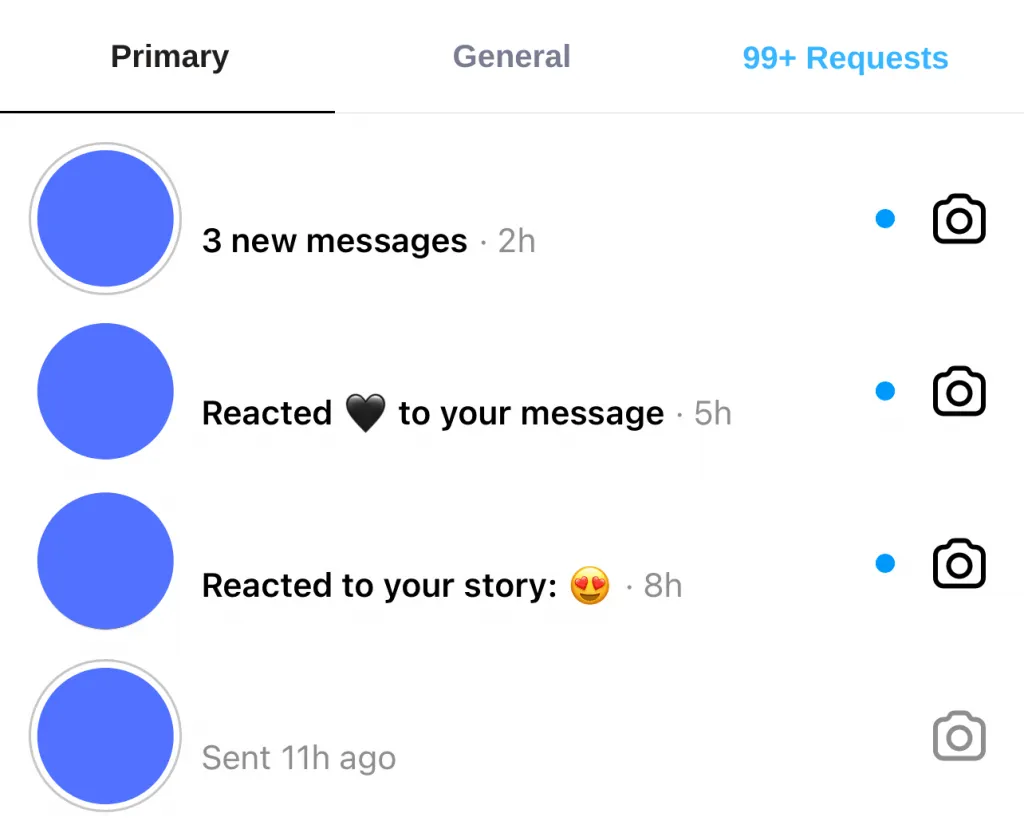
DM requests are an underrated signal because they are the highest-effort thing a viewer can do: typing a message takes far more intent than tapping a heart. Ignore the spam, but genuine enquiries are about as warm as engagement gets.
If real people are messaging you, that is content doing its job. When a DM turns into a customer or a collaboration, ask how they found you so you know which posts are actually pulling.
Read the trend, not the day
One post tanking tells you nothing; a metric sliding over a month tells you plenty. Everything in Insights is data to interpret, test against, and act on, not a scoreboard to refresh hourly. Pick the two or three numbers that map to your actual goal, watch them over time, and adjust your content accordingly.
If you are tracking all this as part of a wider plan, our guide to using Instagram for marketing ties the metrics back to a strategy. And if you want to grow the audience you are measuring without buying followers who never engage, targeted approaches like the Mother Child method aim to put your profile in front of people likely to genuinely follow and stick around.